Table of Contents

- Key Takeaways
- Understanding the WordPress Security Vulnerability
- Implications for WordPress Users
- Mitigation Strategies for WordPress Security Vulnerability
- Conclusion
- Frequently Asked Questions (FAQ)
- Sources
Key Takeaways
The WPvivid Backup & Migration plugin has a critical WordPress security vulnerability that affects nearly one million WordPress sites. It is essential for users to understand this risk and take immediate action to secure their websites. This article provides comprehensive insights into the vulnerability, its implications, and effective mitigation strategies.
 vulnerability">Understanding the WordPress Security Vulnerability
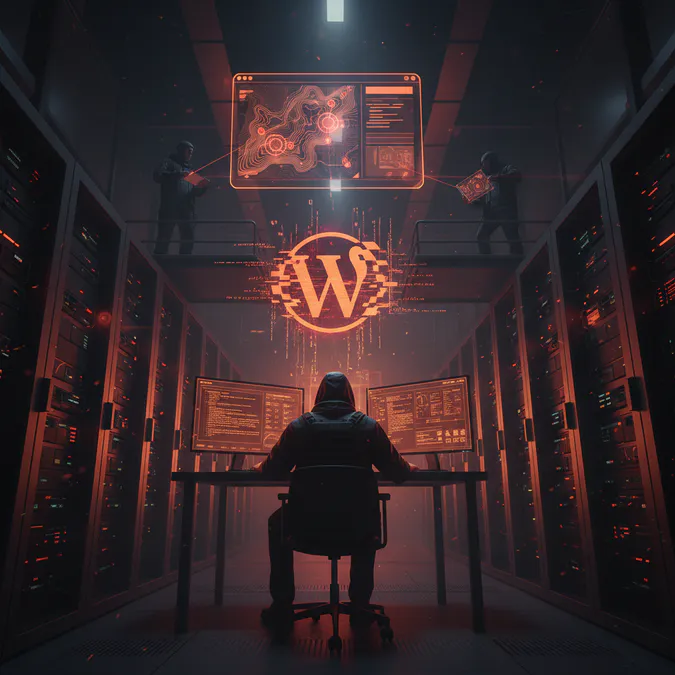
The WPvivid Backup & Migration plugin, widely used for backing up and migrating WordPress sites, has been identified with a significant WordPress security vulnerability. According to RS Web Solutions, this vulnerability allows for remote code execution, meaning that an attacker could execute arbitrary code on the server hosting the vulnerable site.
To exploit this flaw, the attacker must have the "receive backup from another server" feature enabled. This condition makes it particularly concerning, as many users may not be aware of the risks associated with this setting. Understanding the nature of this WordPress security vulnerability is crucial for all site owners.
Implications for WordPress Users
The implications of this WordPress security vulnerability are significant. With nearly one million sites potentially at risk, the cybersecurity landscape for WordPress is under threat. If exploited, attackers could gain unauthorized access to sensitive data, manipulate site content, or even take control of the entire website. Here are some major implications:
- Data Breaches: Unauthorized access could lead to the exposure of personal information.
- Site Manipulation: Attackers could alter site content, damaging the site's reputation.
- Complete Control: In severe cases, attackers could take full control of the website.
Mitigation Strategies for WordPress Security Vulnerability
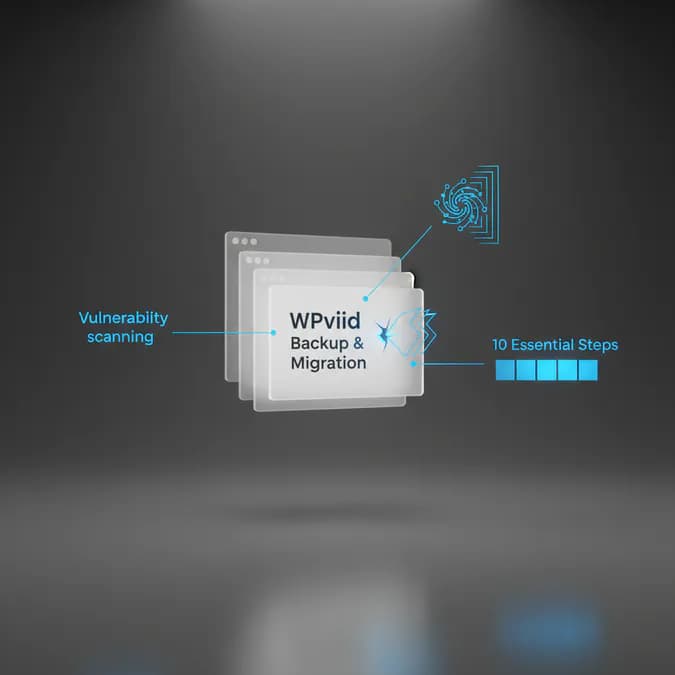
To protect against this WordPress security vulnerability, WordPress users should take immediate action. Here are ten recommended steps:
- Update the Plugin: Ensure that the WPvivid Backup & Migration plugin is updated to the latest version, which may contain patches for this vulnerability.
- Disable Risky Features: If the "receive backup from another server" feature is not essential, it should be disabled to minimize risk.
- Regular Backups: Maintain regular backups of your website to ensure you can restore it in case of an attack.
- Monitor Site Activity: Keep an eye on your site's activity for any unusual behavior that could indicate an intrusion.
- Implement Security Plugins: Consider using additional security plugins that can help monitor and protect your site from vulnerabilities.
- Educate Yourself: Stay informed about the latest WordPress security vulnerabilities and best practices.
- Use Strong Passwords: Ensure that all user accounts have strong, unique passwords to reduce the risk of unauthorized access.
- Limit User Access: Only grant access to users who need it, and regularly review user permissions.
- Secure Hosting Environment: Choose a reputable hosting provider that prioritizes security.
- Conduct Regular Security Audits: Regularly assess your website for vulnerabilities and compliance with security best practices.
Conclusion
The recent discovery of a critical WordPress security vulnerability in the WPvivid Backup & Migration plugin serves as a stark reminder of the importance of cybersecurity for WordPress users. With nearly one million sites potentially at risk, it is imperative for website owners to take proactive measures to secure their sites. By understanding the nature of the vulnerability and implementing effective mitigation strategies, users can protect their online assets from potential threats.
Frequently Asked Questions (FAQ)
Q1: What is the WPvivid Backup & Migration plugin?
A1: The WPvivid Backup & Migration plugin is a tool used by WordPress users to back up and migrate their websites easily.
Q2: How can I tell if my site is vulnerable?
A2: If you are using the WPvivid Backup & Migration plugin, check if you have the "receive backup from another server" feature enabled. If so, your site may be at risk.
Q3: What should I do if my site is compromised?
A3: If you suspect your site has been compromised, immediately update your plugins, restore from a backup, and consult a cybersecurity expert.