Vulnerability Overview
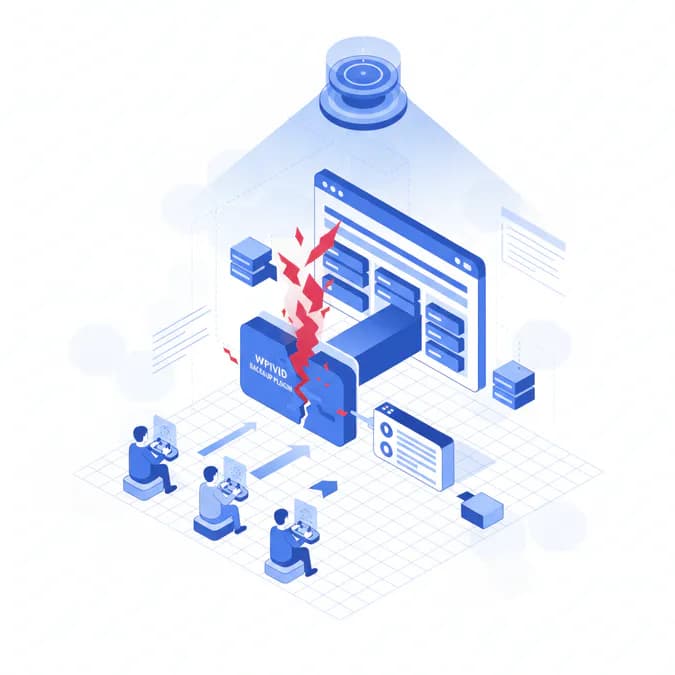
A critical WordPress plugin vulnerability has been discovered in the WPvivid Backup & Migration plugin, potentially exposing nearly one million websites to remote code execution (RCE) attacks. Tracked as CVE-2026-1357, this security flaw represents a significant risk to website administrators and requires immediate attention. The vulnerability allows attackers to execute unauthorized code, which could lead to data breaches and website compromises.
Technical Details
The vulnerability specifically targets websites with the 'receive backup from another site' option enabled. Cybersecurity experts warn that this configuration creates a potential entry point for malicious actors to execute unauthorized code on vulnerable WordPress installations.
Exploitation Mechanism
- Requires specific plugin setting to be activated
- Enables potential remote code execution
- Affects websites using WPvivid Backup & Migration plugin
Mitigation Steps
- Immediately disable the 'receive backup from another site' option.
- Update the WPvivid Backup & Migration plugin to the latest version.
- Conduct a comprehensive security audit of your WordPress installation.
- Monitor website logs for suspicious activities.
FAQ
What is the WPvivid Backup Plugin vulnerability?
The WPvivid Backup Plugin vulnerability is a critical security flaw that allows remote code execution on nearly one million WordPress websites. This vulnerability poses a serious threat to website integrity and user data.
How can I protect my website from this vulnerability?
To protect your website, disable the 'receive backup from another site' option and update the plugin to the latest version. Regular updates are crucial for maintaining security against vulnerabilities.
What should I do if my site is affected?
If your site is affected, immediately take the mitigation steps outlined above and conduct a thorough security audit. Engaging with cybersecurity professionals can provide additional support and guidance.
Key Takeaways
Website administrators must remain vigilant and proactively address potential security vulnerabilities. Regular updates, careful plugin configuration, and ongoing security monitoring are crucial in maintaining a secure WordPress environment. The WPvivid Backup Plugin vulnerability highlights the importance of understanding and managing plugin settings to avoid exploitation.
Sources
- MSN - This source provides insights into the WPvivid plugin vulnerability and its implications for WordPress users.